Gemini 3 Ignites the AI Revolution: Google’s Leap Past OpenAI
Gemini 3 review: powering Google Search AI Mode with multimodal responses
Artificial intelligence is advancing at an unprecedented pace, and occasionally, a release redefines the landscape. Google’s Gemini 3 is one of those transformative moments. In this Gemini 3 review, we’ll explore why this AI model represents a major leap forward and how it positions Google ahead of competitors like OpenAI.
With Gemini 3, Google is no longer just catching up. The model introduces enhanced reasoning, true multimodal understanding, and a unique “Deep Think” mode for solving complex problems. Even more importantly, these capabilities are integrated directly into widely used products, from Google Search to Gmail, making advanced AI accessible to millions of users.
In this Gemini 3 review, we’ll cover:
What Gemini 3 is and how it works
Key features that set it apart
How it compares with OpenAI offerings
Step-by-step access and upgrade options
Why it matters for everyday users, professionals, and enterprises
What Is Gemini 3?
Gemini 3 is Google’s most advanced AI model to date, developed by Google DeepMind. It builds on the earlier Gemini releases but goes much further in reasoning, scale, and real-world usability.
Unlike many AI models that feel impressive in demos but are limited in practice, Gemini 3 is designed to operate across Google’s ecosystem. It powers Search, productivity tools, mobile apps, and enterprise solutions, creating a single AI backbone rather than a standalone chatbot.
You can explore Google’s official launch details here: Official Gemini 3 launch post
For a broader technical perspective from the research side, DeepMind provides an overview of the Gemini model family here: DeepMind Gemini models overview
Gemini 3 Review: Core Capabilities and Features
Advanced Reasoning That Actually Shows Up in Results
Reasoning is where Gemini 3 makes its biggest leap. Google reports benchmark-leading performance across several challenging tests, including:
- 9% on GPQA Diamond, a benchmark designed to test graduate-level reasoning
- 1% on ARC-AGI-2, which focuses on abstract visual reasoning
These aren’t just academic numbers. In practice, this means Gemini 3 is better at:
- Multi-step problem solving
- Logical consistency across long conversations
- Handling math, science, and analytical tasks without breaking down
This matters for users who rely on AI for research, coding, planning, or decision-making rather than just casual chat.
True Multimodal Intelligence
Gemini 3 is built as a native multimodal model, meaning it can understand and work across:
- Text
- Images
- Audio
- Video
Instead of bolting these capabilities together, Gemini 3 processes them in a unified way. For example, it can analyze a chart, explain it in text, reference a spoken instruction, and generate a response that ties everything together.
This is especially powerful for education, design feedback, video analysis, and content creation workflows.
Deep Think Mode for Complex Tasks
One of Gemini 3’s standout features is Deep Think mode.
Deep Think allows the model to slow down and allocate more compute to complex reasoning tasks. This is especially useful for:
- Advanced math and logic problems
- Long-form writing and analysis
- Code generation and debugging
- Strategic planning and workflows
Rather than giving a quick surface-level answer, Deep Think focuses on depth and accuracy. This feature is available to Premium and Ultra users and represents Google’s push toward more reliable, deliberate AI reasoning.
Gemini 3 Inside Google Search
Perhaps the most important shift is how Gemini 3 integrates directly into Google Search.
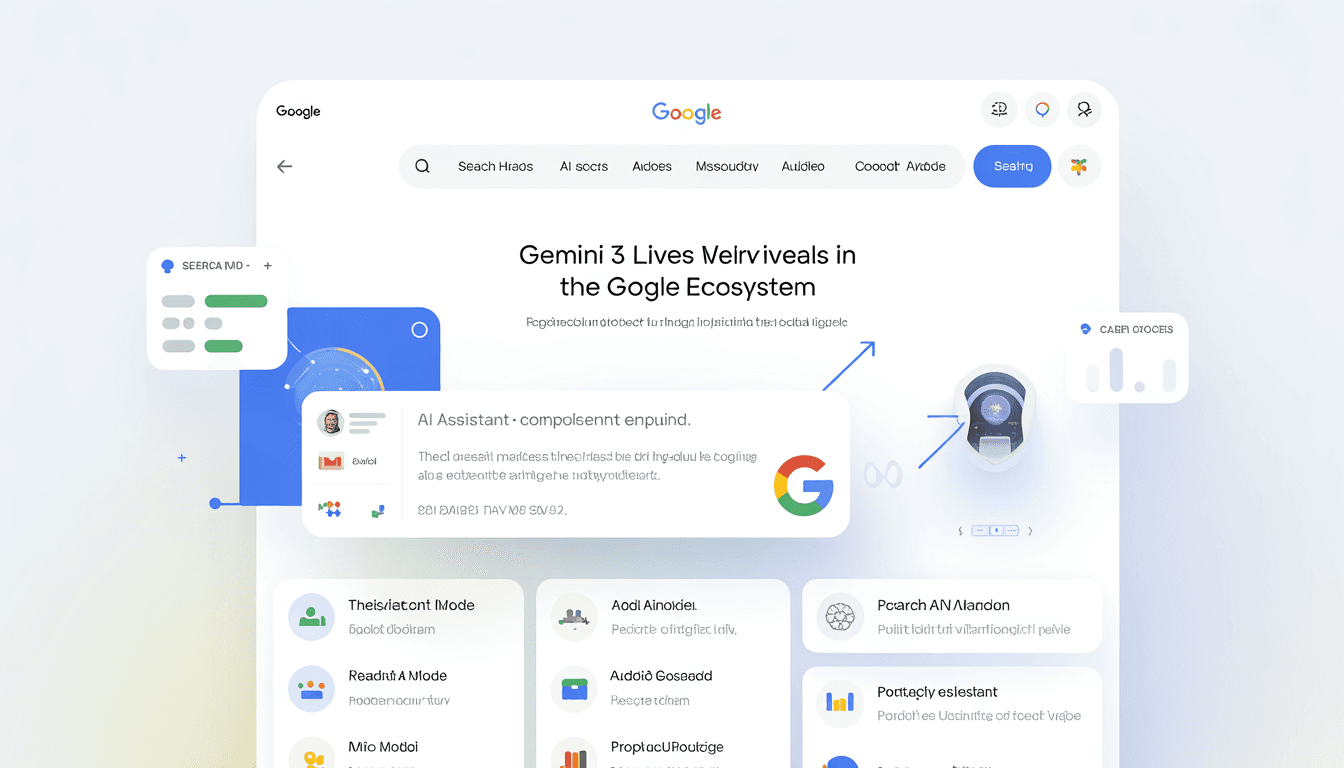
Gemini 3 powers AI Mode and enhanced AI Overviews, changing how people interact with search results. Instead of scanning multiple links, users increasingly get synthesized, context-aware answers directly in Search.
Google reports that AI Overviews:
- Double query engagement
- Triple session times
You can read more about Gemini 3’s role in Search here: Gemini 3 Search AI Mode
This integration signals a major shift in how information is discovered and consumed online.
Enterprise Adoption and Agentic Capabilities
Gemini 3 is not just for consumers. Google has aggressively pushed enterprise adoption, with over 8 million enterprise licenses already in use.
In business environments, Gemini 3 supports:
- Planning and task automation
- Code generation and review
- Data analysis and reporting
- Agentic workflows that complete multi-step tasks
These agent-like behaviors allow Gemini 3 to move beyond answering questions and start executing structured workflows, a key trend in enterprise AI adoption.
Why Gemini 3 Matters for Everyday Users
Smarter Search Without Changing Habits
One of Gemini 3’s biggest strengths is that users do not need to learn a new platform. Improvements show up naturally inside tools people already use.
Search results become more conversational and informative. Emails are easier to organize. Documents are faster to draft. Research becomes more efficient.
This frictionless adoption is something many competitors struggle to achieve.
High-End AI Without High-End Pricing
Another major advantage is cost.
While some competitors charge premium fees for advanced reasoning models, Google offers Gemini 3 capabilities free or at a relatively low monthly price through existing services.
Access to advanced features is bundled into Google One AI Premium, making high-quality AI more accessible.
You can review Google’s AI subscription plans here: Google AI Plans
This pricing strategy significantly lowers the barrier for individuals, freelancers, and small teams.
Gemini 3 Review vs OpenAI: What You Need to Know
The AI landscape is increasingly competitive, and Gemini 3 has shifted perceptions of Google’s position in that race.
Industry analysts note that Google has moved from being seen as a laggard to a serious leader in AI growth and deployment. A recent analysis highlights how Google’s AI momentum is pulling ahead in key areas: Google’s AI growth analysis
For a detailed comparison, check out our ChatGPT vs Gemini review as part of this Gemini 3 review.
Gemini 3’s tight integration with Search, Docs, Gmail, and Android gives it a distribution advantage that few competitors can match.
Gemini 3 Review: How to Access and Upgrade
Free Access
- Visit google.com or open the Gemini app on Android or iOS
- Sign in with your Google account
- The free tier uses Gemini 3 Flash, which is optimized for speed and everyday tasks
This version is more than enough for casual users and light productivity needs.
Lorem ipsum dolor sit amet, consectetur adipiscing elit. Ut elit tellus, luctus nec ullamcorper mattis, pulvinar dapibus leo.
Upgrading to Gemini 3 Pro
For advanced reasoning and larger context windows:
- Go to google.com
- Click “Upgrade” in the sidebar
- Subscribe to Google One AI Premium ($19.99/month)
- Includes Gemini 3 Pro
- Comes with 2TB of cloud storage
Once upgraded, you’ll have access to deeper reasoning, longer conversations, and advanced integrations.
Enabling Preview and Deep Think Features
To unlock experimental features:
- Enable Preview Features in settings
- In supported environments, use the /settings command in the CLI
- In Google Search AI Mode, select “Thinking with 3 Pro”
These options give you access to the most advanced reasoning capabilities currently available.
Common Issues and How to Handle Them
Hallucinations or Ignored Instructions
Like all large language models, Gemini 3 can occasionally hallucinate or drift in long sessions.
To reduce this:
- Start a new conversation for complex tasks
- Be explicit and structured in prompts
- Break long tasks into smaller steps
This improves consistency and accuracy.
Image or Multimodal Confusion
If Gemini 3 misinterprets images or mixed inputs:
- Clarify what you want it to focus on
- Add short textual descriptions alongside visuals
Clear context leads to better outputs.
FAQs (Frequently Asked Questions)
How do I upgrade to Gemini 3 Pro?
Visit gemini.google.com, click “Upgrade to Gemini Advanced”, and subscribe to the Google One AI Premium plan.
What’s the difference between free Gemini and Pro?
The free version uses a lighter Flash model designed for speed. Gemini 3 Pro offers stronger reasoning, a larger context window (up to 2 million tokens), and deeper integrations with tools like Gmail and Docs.
How do I use Deep Think mode?
Deep Think is available to Premium and Ultra users. Select it from the model menu when working on complex tasks that require deeper reasoning.
Final Verdict: Is Gemini 3 Worth It?
Gemini 3 represents a major shift in Google’s AI strategy. It is not just about competing with OpenAI or showcasing benchmarks. It is about embedding advanced AI into everyday workflows at scale.
For casual users, Gemini 3 makes search and productivity smarter without extra effort. For professionals and businesses, it delivers powerful reasoning and automation at a competitive price.
In this Gemini 3 review, one conclusion stands out clearly: Google has moved from experimenting with AI to fully operationalizing it, and Gemini 3 is the strongest evidence yet.
If this pace continues, the AI landscape in 2026 and beyond will look very different, and Google intends to be at the center of it.